Continue Reading
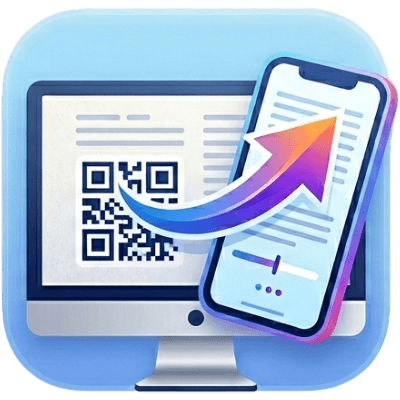
Scan a QR code to instantly resume reading on your phone — right where you left off.
 Add to Chrome — it's free
Scan a QR code to instantly resume reading on your phone — right where you left off.
Add to Chrome — it's free
Browse to any page you're reading in Chrome on your desktop or laptop.
Click the Continue Reading icon in your toolbar to generate a QR code.
Point your phone camera at the QR code — it opens the page you were reading.